Sacred Geometry with Adobe Illustrator
How a wallpaper pack rekindled the childhood joy of drawing

The Joy of Drawing ✍️
I love drawing; I'm just not very good at freehand drawing. As a kid, I had a knack for drawing geometric designs with pen, paper and a protractor. Sometimes a compass would join in the fun, but typically I just needed a bunch of straight lines and something to measure angles.
(Video walkthrough of the whole project at the bottom of this post)... 👇

I lost myself for hours drawing these things, and I absolutely had a blast. My Nana and Granddaddy commissioned me for pieces that they hung in their houses, and it gave me great joy to see them - my little pieces of art - when I would visit.
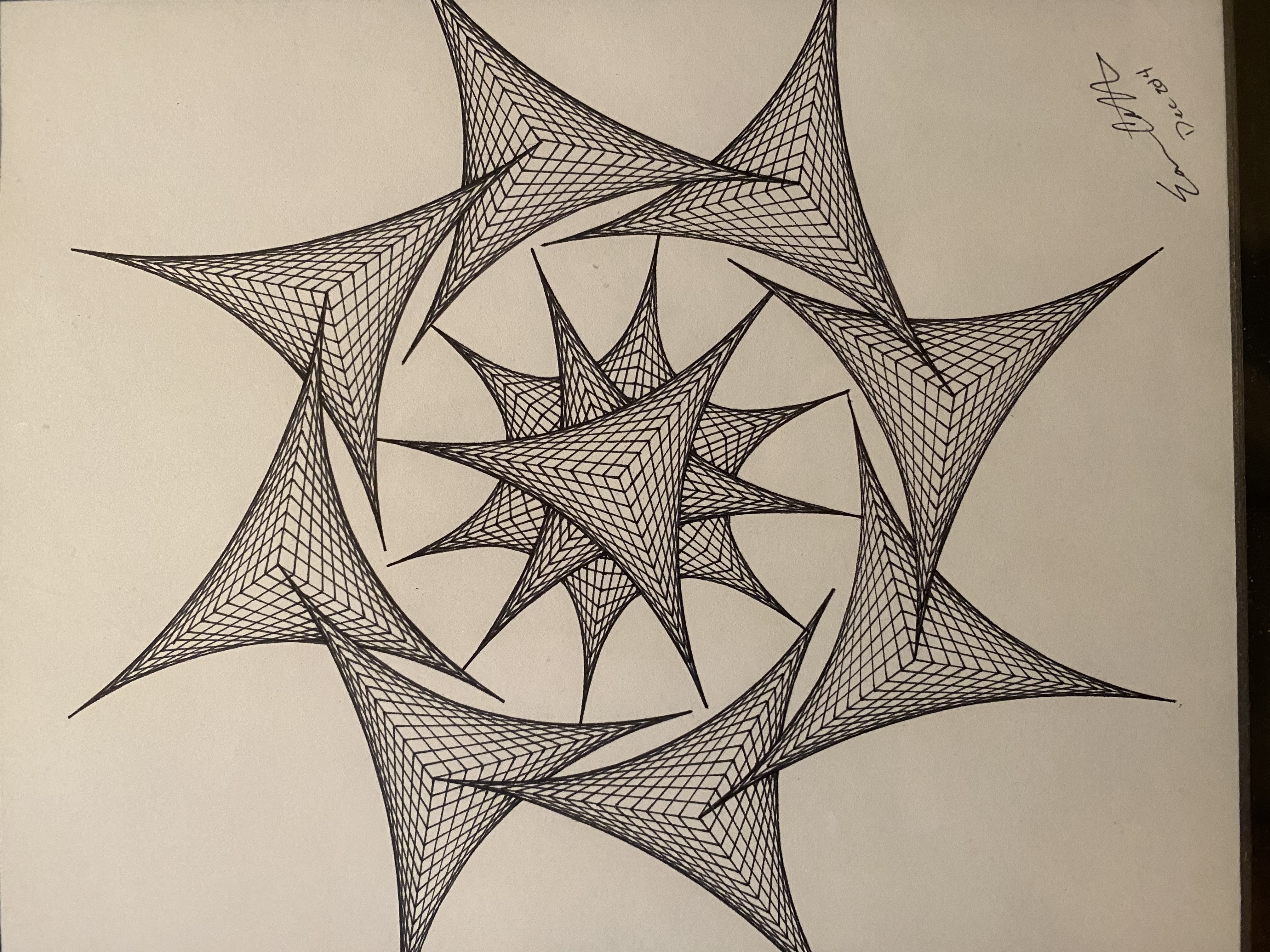
When my Granddaddy passed a few years ago, Mom gave me back the piece that I most recently drew for him back in 2014 when I, on a whim, decided to venture back into pen and ink for a moment. [pic below]
Adobe Illustrator 🖌️
Having used Illustrator for several years now, I can't believe it's taken me this long to spin up some of my old passions in digital form.
As we all know, YouTube is a treasure trove for how-to tutorials, and I dove in to some Illustrator geometry wormholes before emerging with a few new tools.
Most of my experience in Illustrator has been in logo and advertising editing. This was the first full-fledged project that I set out to build from the ground up.
The pen and blend tools proved invaluable resources. The pen got me started when I wanted specific shapes drawn in the same manner I used to draw them by hand.
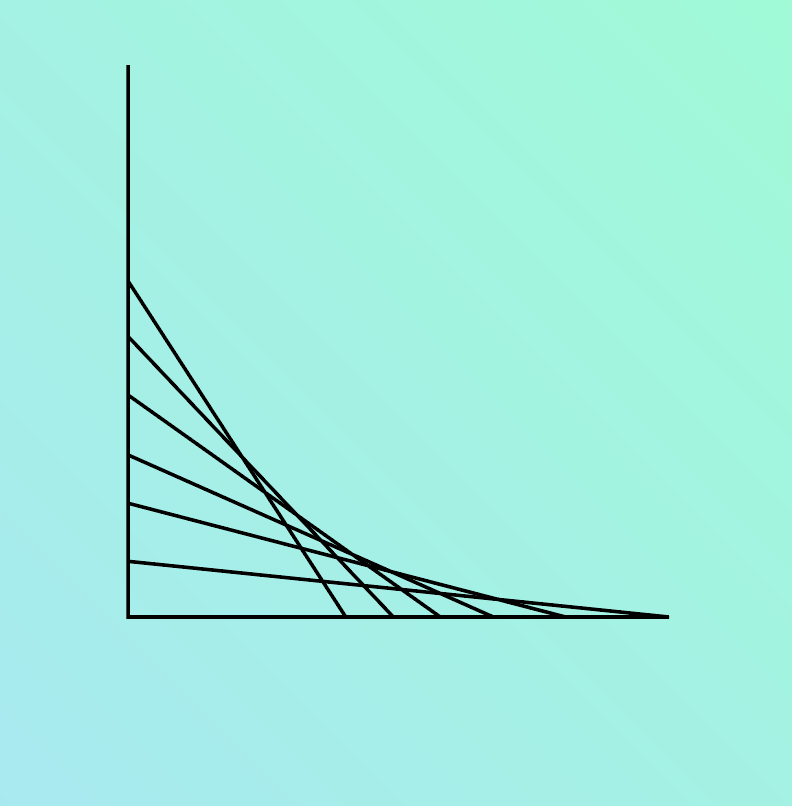
But then, the blend tool to build upon that even further.
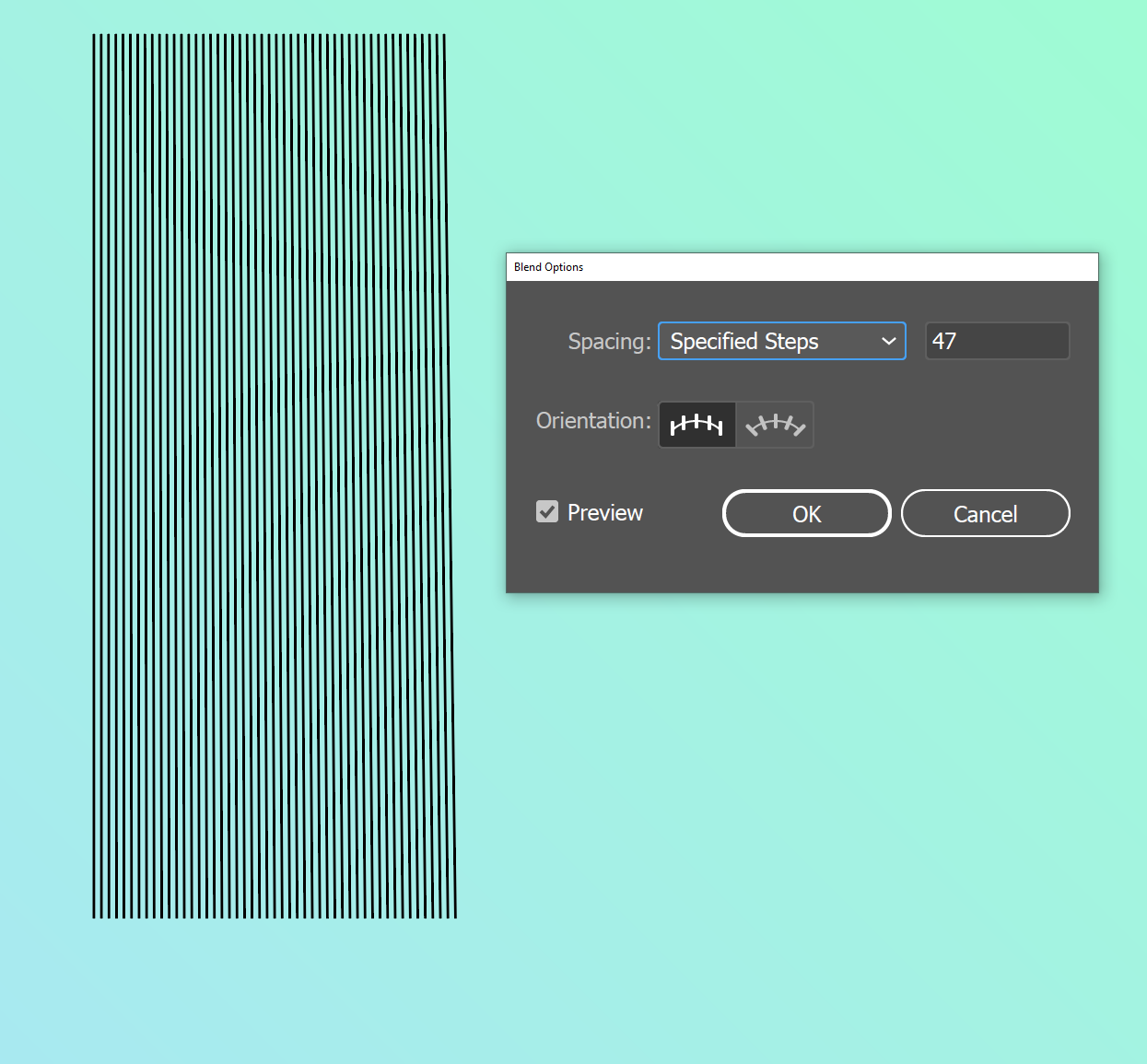
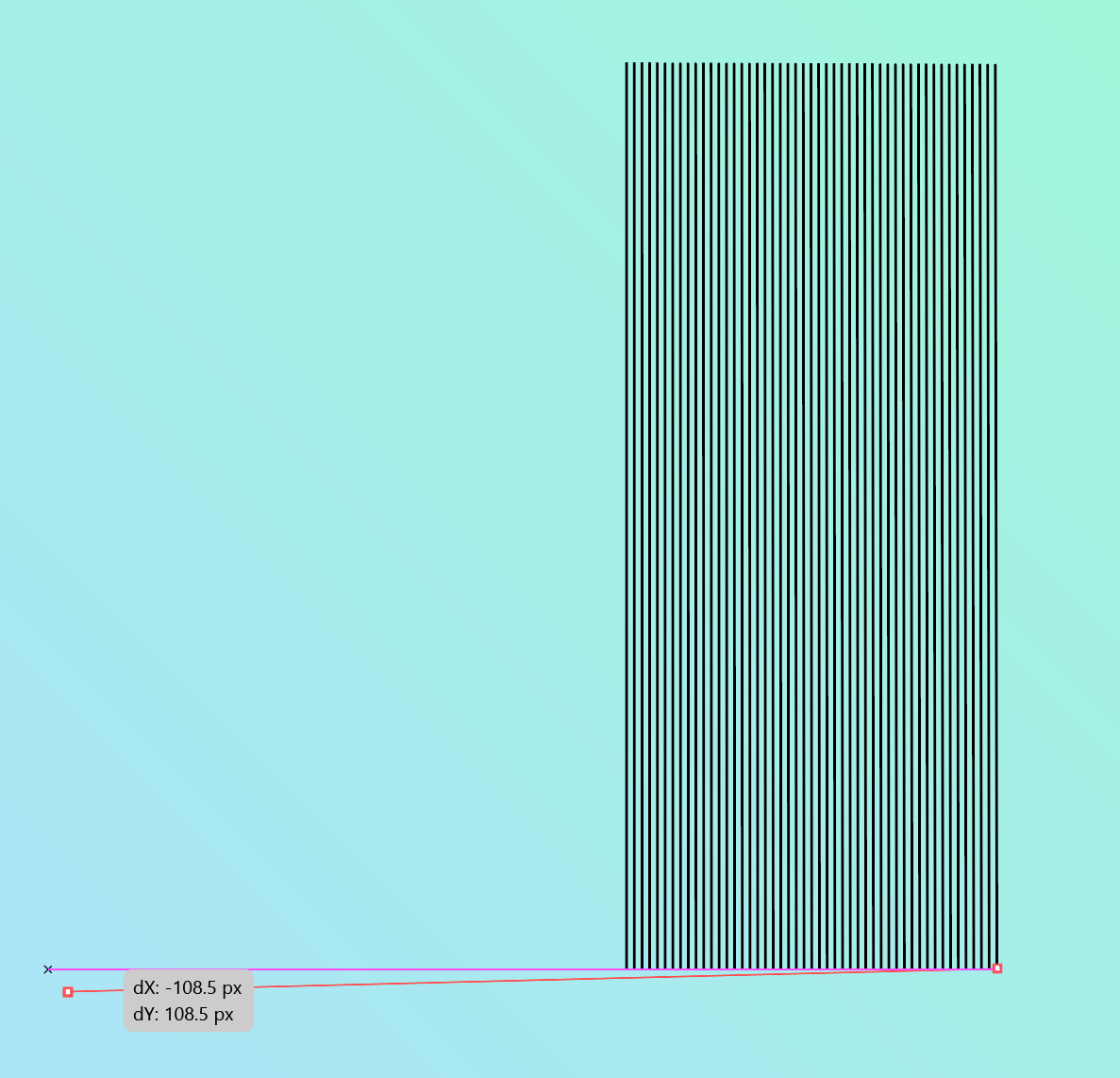
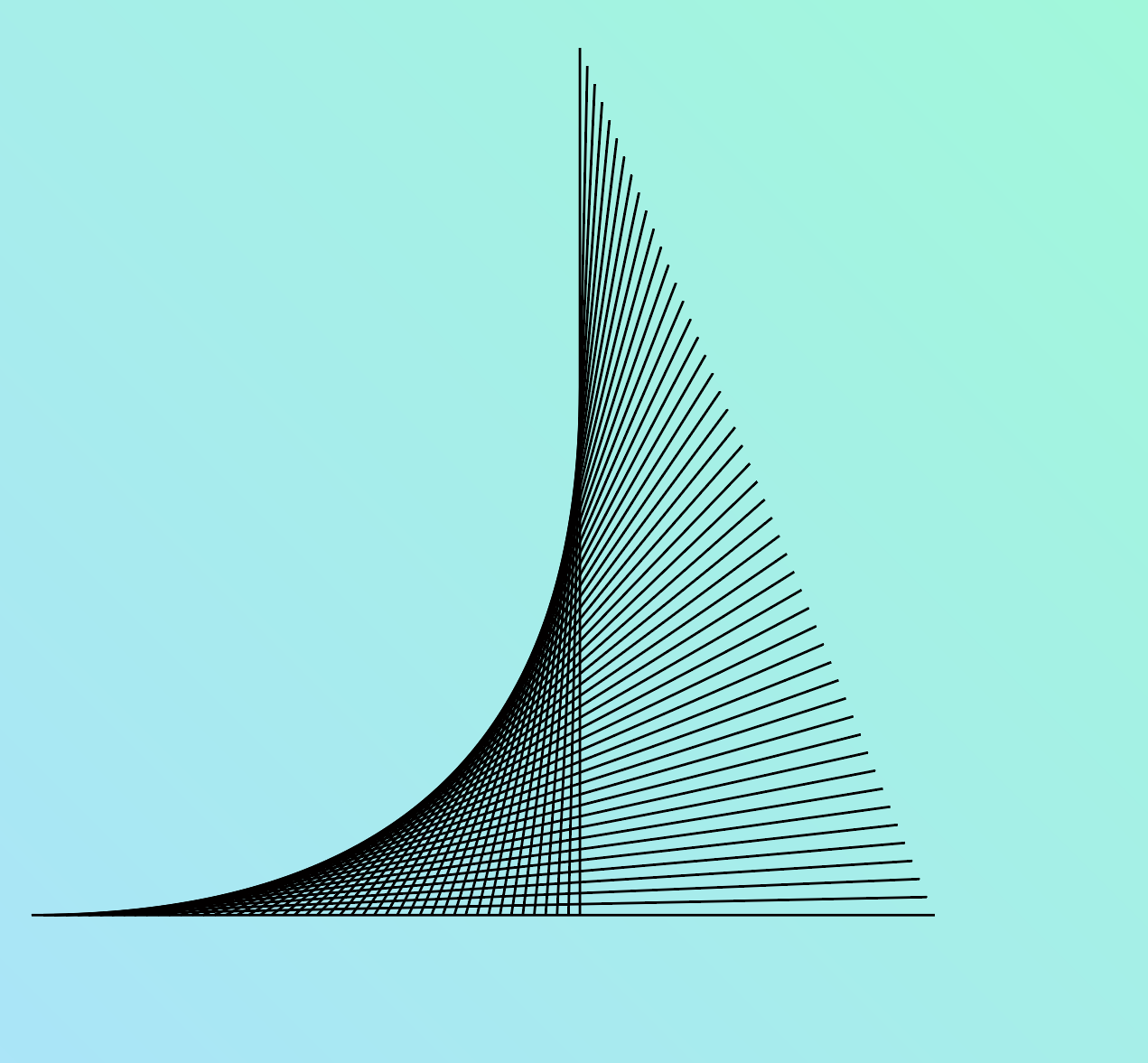
By creating two lines and then blending by a specified number of steps between them, I can then manipulate the position of the original lines to produce the same hand drawn curved effect that mesmerized me as a child.
Productized Designs 🏦
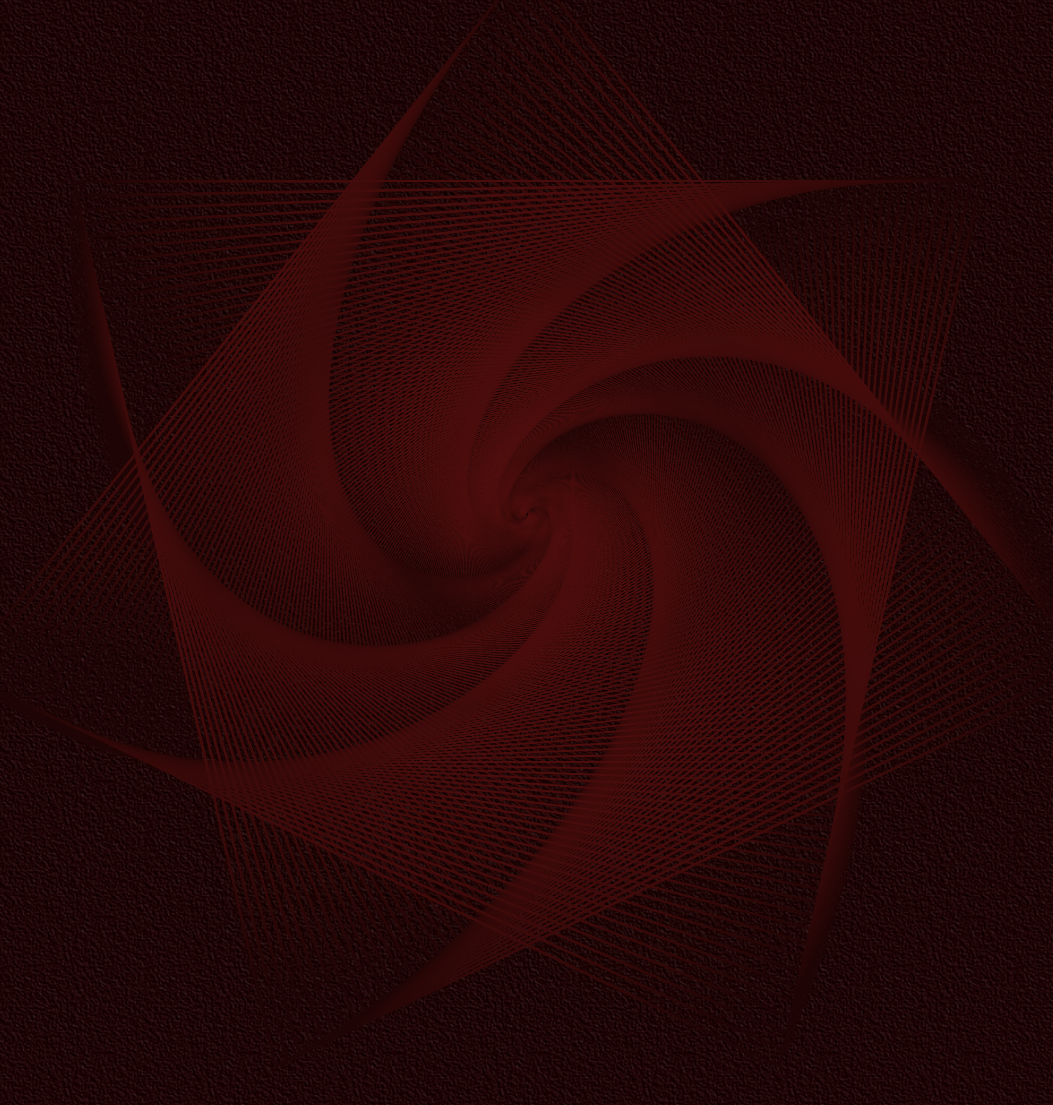
Using shape tools and listening to NIN Ghosts and freeCodeCamp's Code Radio resulted in a lot of neat combinations, and ultimately the full collection of wallpapers that I released as a pack on Gumroad.
I've admired Indie Hackers for the past several years, and used the pandemic times to supplement my day job with a coding skill set. All the while, I've been wanting to spin up a side gig or business. I've resolved to build projects and products this year that can be monetized.
Maybe I make some money, maybe not. Already, the two products (FREE Google Sheets Finance Tracker and Sacred Geometry) and the one hackathon web app (Infinite Memory) have been of more benefit to me than some of the myriad tutorials I have endured over the past couple years.
Taking advantage of the learning process by writing about it here and documenting it where possible on video has been a further means by which I've solidified some of these new skills.
Building is Fun 🤗
At the end of the day, though, I just like building stuff. It's fun. I want to be able to continue doing that in a way that provides value for more than just myself. I hope to continue building in public and documenting the journey.
Thanks for following along!
Video Walkthrough 📹
Here's a full video walkthrough of this project:
Say Hey 👋
I'd love if you reached out and said hey on Twitter and/or LinkedIn.
Have a great one!
About the author
- I'm an AI automations and strategy educator on YouTube. I also review products. I love ultrarunning. I'm the father of 4 kiddos.
Comments
Join the discussionCool way to combine 🧠 with 🎨! The designs look great, and the effects in the final versions make it look even better!
Thanks, Mohit Yadav! Yeah, there’s a ton of very cool stuff with additive effects! Lots of fun 🤩
AI from before AI was AI!
Thanks, Régine! Yes, I love both worlds. Throw in a spreadsheet and a podcast and I’m golden! 😃
That’s beautiful and… mathematical… which makes it even beautiful-er in my eyes XD
Thanks for sharing this technique Eamonn Cottrell. I don’t use illustrator but I will definitely attempt to do this on my iPad, for one of my posts illustrations!
What if we tried to make a ‘generator’ with a tool like p5.js? So people can can interact with the computer to make their own!
Super cool, Jorge Romero! Yeah I have considered exploring a generative tool for this stuff. It lends itself well to that. Math ftw! 😃
Bery interesting! Thanks for sharing! To be honest, I tried the following last year

Thanks for checking it out, Swati Sarangi…yeah these designs are a lot of fun and, as with many things, an endless rabbit hole of nuance. Have a great one!
This is cool. Thanks. 😊
Thanks for checking it out, Miki Szeles!
It was my pleasure. 😊Eamonn Cottrell