Learn Bash Scripting with freeCodingCamp
A Summary of the Bash Scripting Course

Cookies Beware
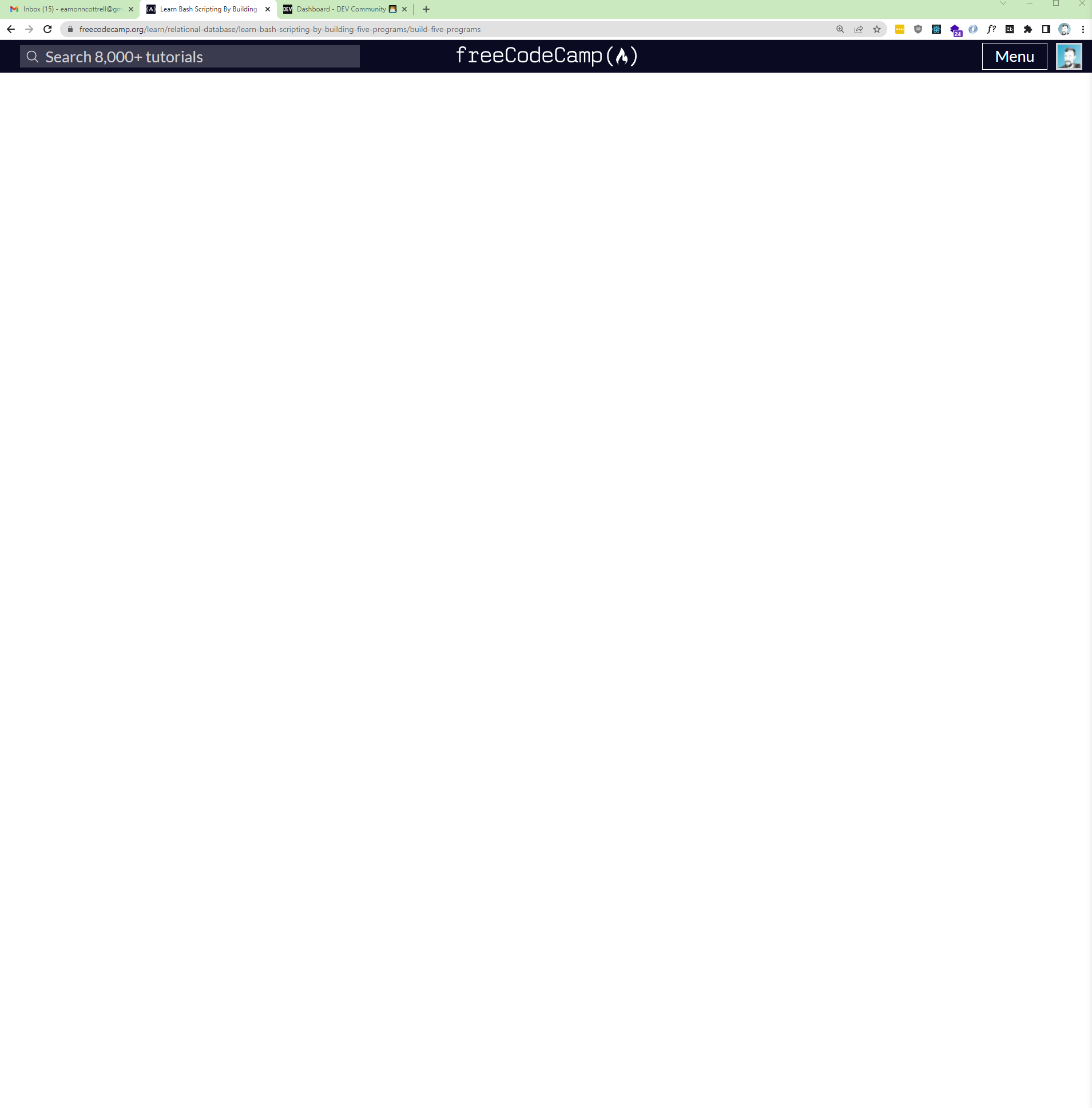
Here's what I'm currently being greeted with at the onset of this leg of the journey. It's an error I encountered in the last project too. When I click the start course button, it just freezes up on a blank screen when it should be prompting me to log in with CodeAlly.
Do Not Despair
If this happens to you, you can go straight to CodeAlly and go to the playground there to load into the project.
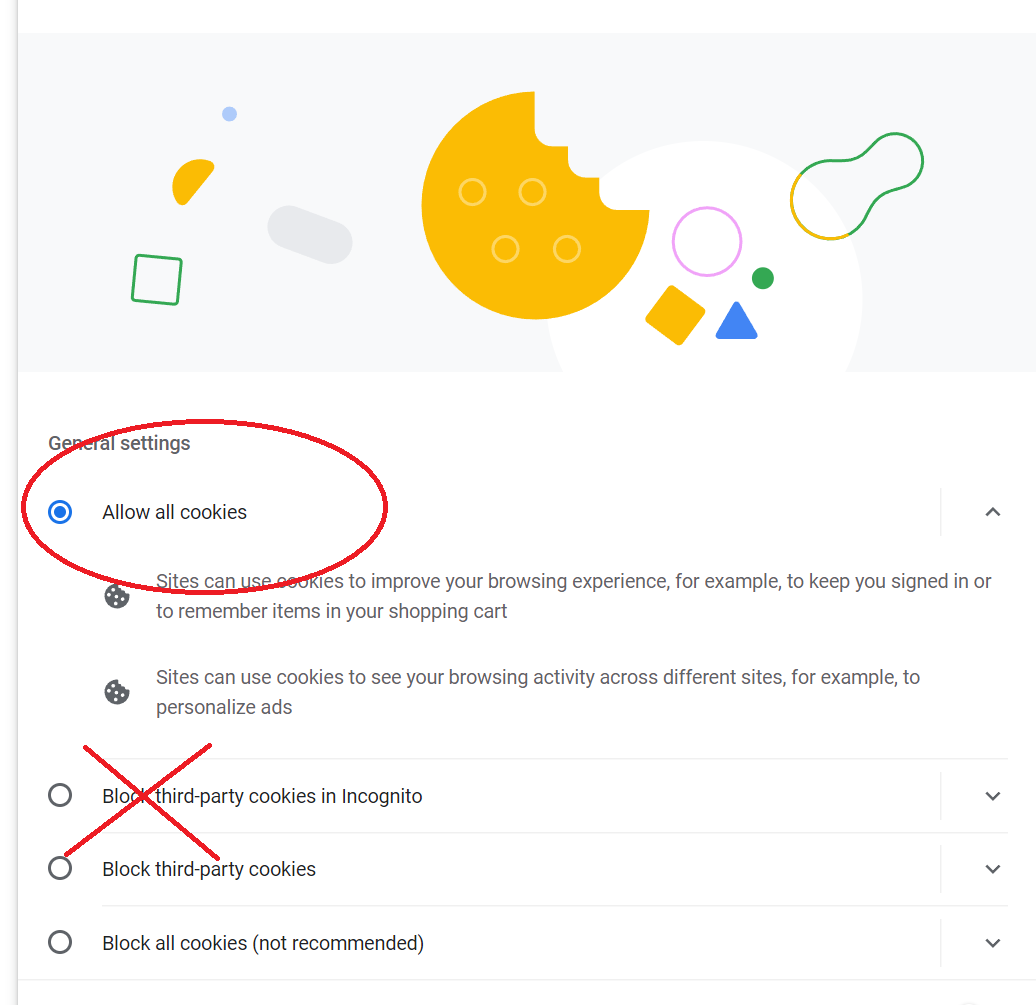
Or...just go into Chrome's settings and enable third-party cookies. I had mine disabled for Incognito mode which was apparently enough to mess up the login process on the regular browsing mode too.
Commands
Here are some of the commands used in the course
sh: uses shell interpreterbash: bourne-again shell...uses the bash interpreterls -l: list permissions of current directory's filesprintenv: prints out the environment variableschmod +x <filename>: adds executable permissions to the filehelp <command>: find out more about a commandman <command>: displays the manual for a command if available
The Programs
This course tried my patience. I encountered a lot of technical issues...okay, okay: user issues as well. There were a number of times where I would get one of the five programs to work properly, but because I had not typed it exactly as the tutorial expected, the tests wouldn't pass.
This is exactly how computers are supposed to behave, but this course more than the first two, felt like it was in beta. Just a hair rough around the edges.
That said, it was a fine intro to bash, and we created five working programs:
- questionaire.sh: in which we prompt the user for input
- countdown.sh: in which we create a timer that counts down every second until it gets to zero
- bingo.sh: in which we create conditional statements and a random number to display results based on the random number
- fortune.sh in which we create an array, ask the user for a question, check if the question ends in a '?' and then displays a randomly selected answer from the array.
- five.sh: in which the program runs the previous four programs one after another
Bash to Basics
Do these seem easy to you? They are if you have any kind of programming experience. But, the syntax of Bash is different from Javascript or Python. And there are built in functions unique to Bash that the course walks through.
On the whole, the two great things you'll get out of this are:
- Overview of the command line language Bash
- A lot more practice doing things from the command line
Onward to More SQL! 📣
I'm ready to hop into the next courses which go back into PostgreSQL. Keep an eye on my blog here for updates as I continue through this freeCodeCamp Relational Database Certification.
Thanks! 👋
Thanks for reading. Come say hey over on Twitter, and let me know what you think in the comments below.
About the author
- I'm an AI automations and strategy educator on YouTube. I also review products. I love ultrarunning. I'm the father of 4 kiddos.
Comments
Join the discussionNo comments yet. Be the first to comment.
Relational Databases with freeCodeCamp
In this series, I will document my progress through and impressions on freeCodeCamp's Relational Database certificate.